
Once inventory has been selected for counting the counts can be recorded in 2 ways. One is with Directline Mobile, and the other would be by printing the list as a spreadsheet and writing the counts on it.
Once all items are counted, go to Physical Count Batch Entry to record the counts.
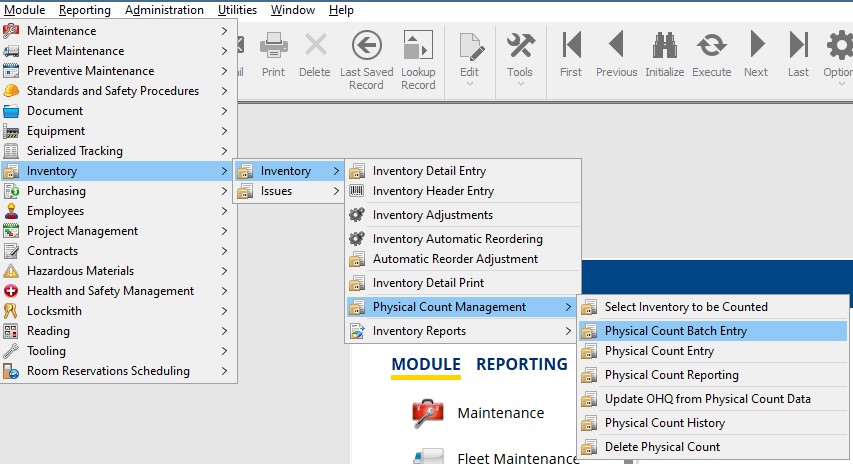
Navigation
- Module
- Inventory
- Physical Count Management
- Physical Count Batch Entry
Entering Counts
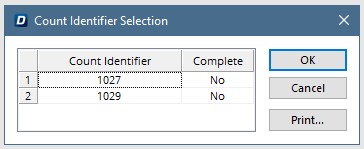
Select the required count, created in Select Inventory to be Counted, and hit OK.
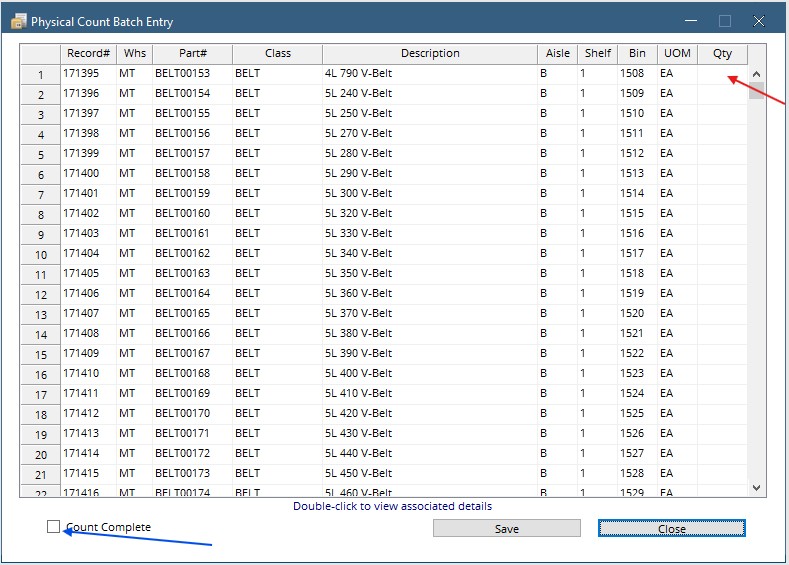
The same list is displayed as on the spreadsheet. Enter counted quantities in the QTY Column.
Once all quantities have been entered, check the Count Complete box, then hit Save.